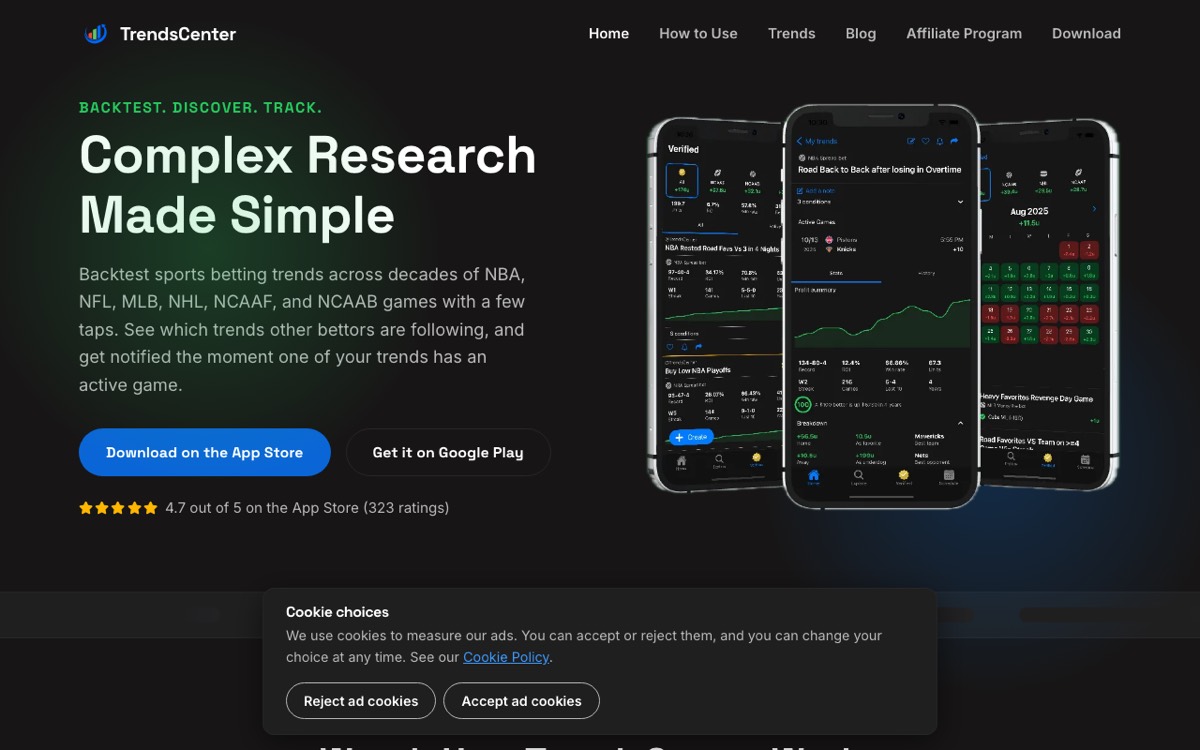
What TrendsCenter is
TrendsCenter is a mobile app for researching betting trends. You pick a situation, such as a team in a certain matchup or after a certain amount of rest, and the app shows how that situation has played out historically. This is called backtesting a trend or system.
The vendor says plainly that it is not a picking service. It is a research platform. That makes it a different kind of product from an odds screen or a +EV scanner. It does not tell you what to bet. It helps you study what happened before.
Who TrendsCenter is for
TrendsCenter suits bettors who like to build their own reasoning. It fits you if you:
- Enjoy testing ideas, such as rest days, recent results or matchup angles.
- Bet several leagues. The vendor lists NBA, NFL, MLB, NHL, NCAAF and NCAAB.
- Do most of your research on a phone.
- Want to follow a saved trend and get alerts when it has a game coming up.
It is probably not for you if you want ready-made picks, a line-shopping screen or an arbitrage finder. It also lists iOS and Android only, so no desktop option is listed. And if you have never tested an idea against a small sample, expect a learning curve.
How it works
The workflow described in the vendor's materials runs roughly like this:
- Browse or backtest existing trends, or build your own by stacking filters such as team, matchup, rest days and recent results.
- Review the historical results the app shows for each trend. Treat these as context, not a forecast.
- Save or follow trends you like. Tap the bell on a trend to get a notification when it has an active game starting soon.
- Look at verified trends. These are systems that TrendsCenter analysts select based on sample size, historical performance and recent results.
- On the premium tier, try TrendyBot, an AI-powered trend search, and the Betting Report, which shows the share of bets and the share of money on each side of a market.
- Check the indicators the app lists, including steam, reverse line movement, sharp money and public side.
- Share a trend by link or social media so others can see the exact filters.
There is a free tier. The vendor says it limits how many trends you can save and follow, with more available on the paid plan.
What to weigh before subscribing
The biggest risk with trend research is overfitting. A system that looks strong across many filters may simply fit noise. Past trends don't predict future games, and a narrow filter with a small sample is a warning sign, not a reason to bet.
Because the app shows historical results for every trend, it is easy to be swayed by them. Use them to ask better questions, then check prices with our no-vig calculator and size stakes with the Kelly criterion calculator.
Business terms matter too. The vendor says payments are generally non-refundable after the trial, and downgrading means cancelling and waiting for expiry. Cancellation takes effect at the end of the billing period. See the at-a-glance table above for current pricing and trial terms.
Also check eligibility. The terms set a minimum age, and the legal age to bet depends on where you live.
Bottom line
TrendsCenter is a mobile research tool for bettors who want to test their own ideas against history and get alerts on saved trends. If you want picks or a line-shopping screen, it won't fill that need. Start on the free tier to see whether the workflow suits you.